Townscaper
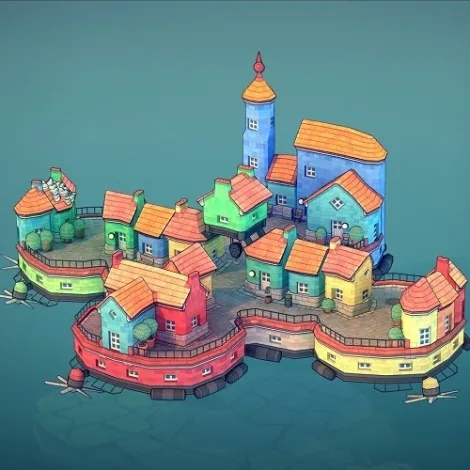
Build colorful island towns block by block as Townscaper turns each click into houses, arches, stairs, and gardens.
How To Play
Creative goal: Townscaper has no missions, timer, score, or losing condition. Choose a color and freely create a compact village, tall tower, harbor, bridge, or floating neighborhood on the irregular ocean grid.
Build and color: Select a color swatch, then left-click an empty grid space to place a block. Click an existing roof to add another level. The procedural system automatically turns neighboring blocks into walls, roofs, stairs, arches, balconies, and other details.
Remove and reshape: Right-click a block to remove it. Add and remove blocks repeatedly to explore different structures; enclosed shapes can form courtyards, while narrow supports, gaps, and stacked blocks can produce arches, towers, and bridges.
Camera controls: Left-click and drag to rotate the view, right-click and drag to pan, and use the mouse wheel to zoom. This Unity WebGL edition is designed primarily for desktop browsers, so mouse controls are recommended.